
Create Perfect iOS App Icons
Generate App Store-ready icons for iPhone, iPad, and Mac in seconds. Our AI creates all required sizes with pixel-perfect quality - no design skills needed.
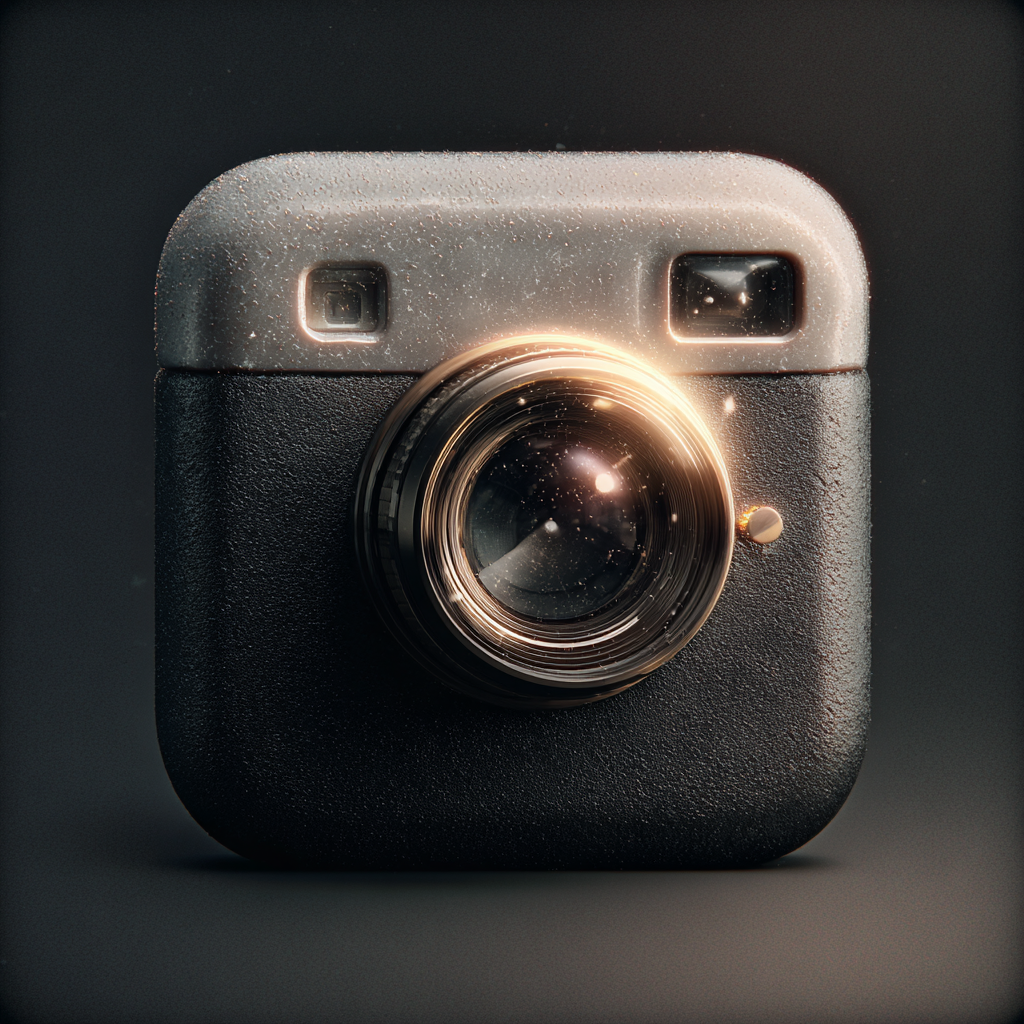
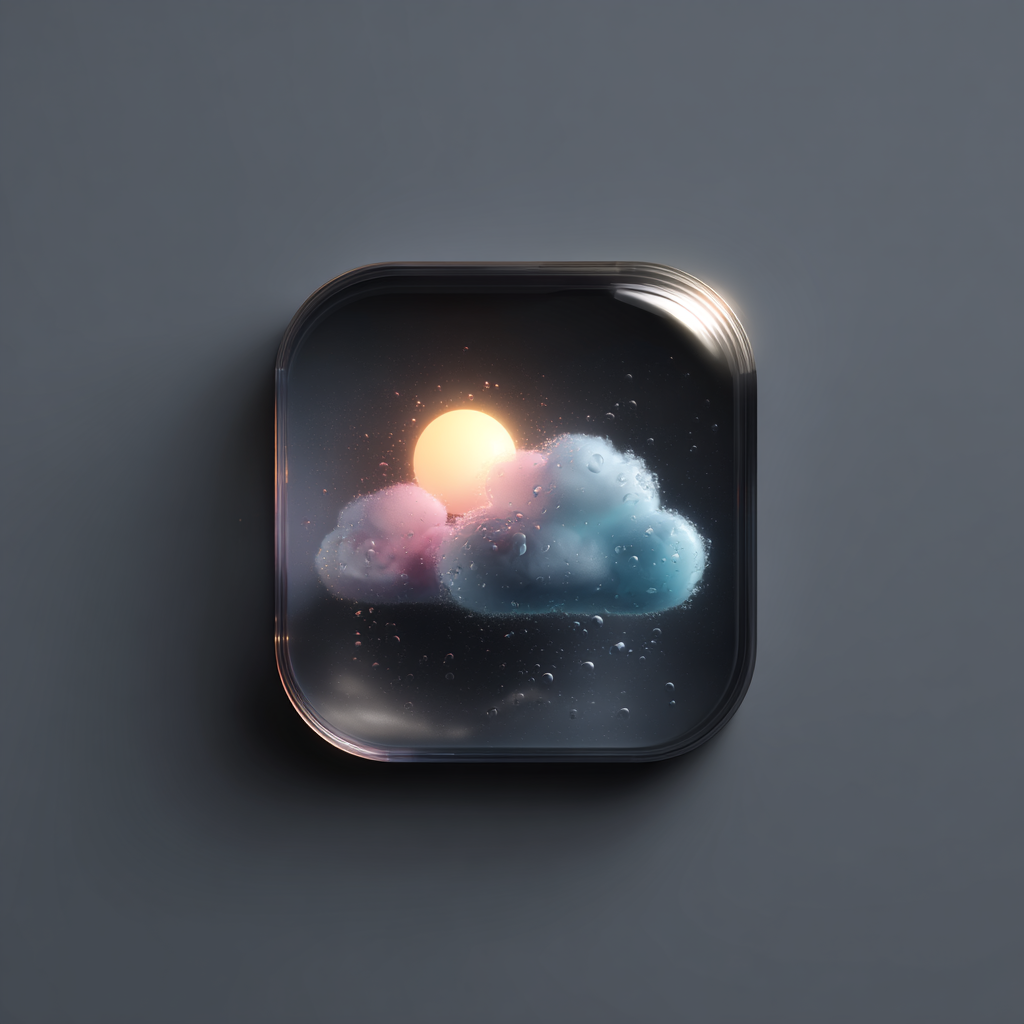
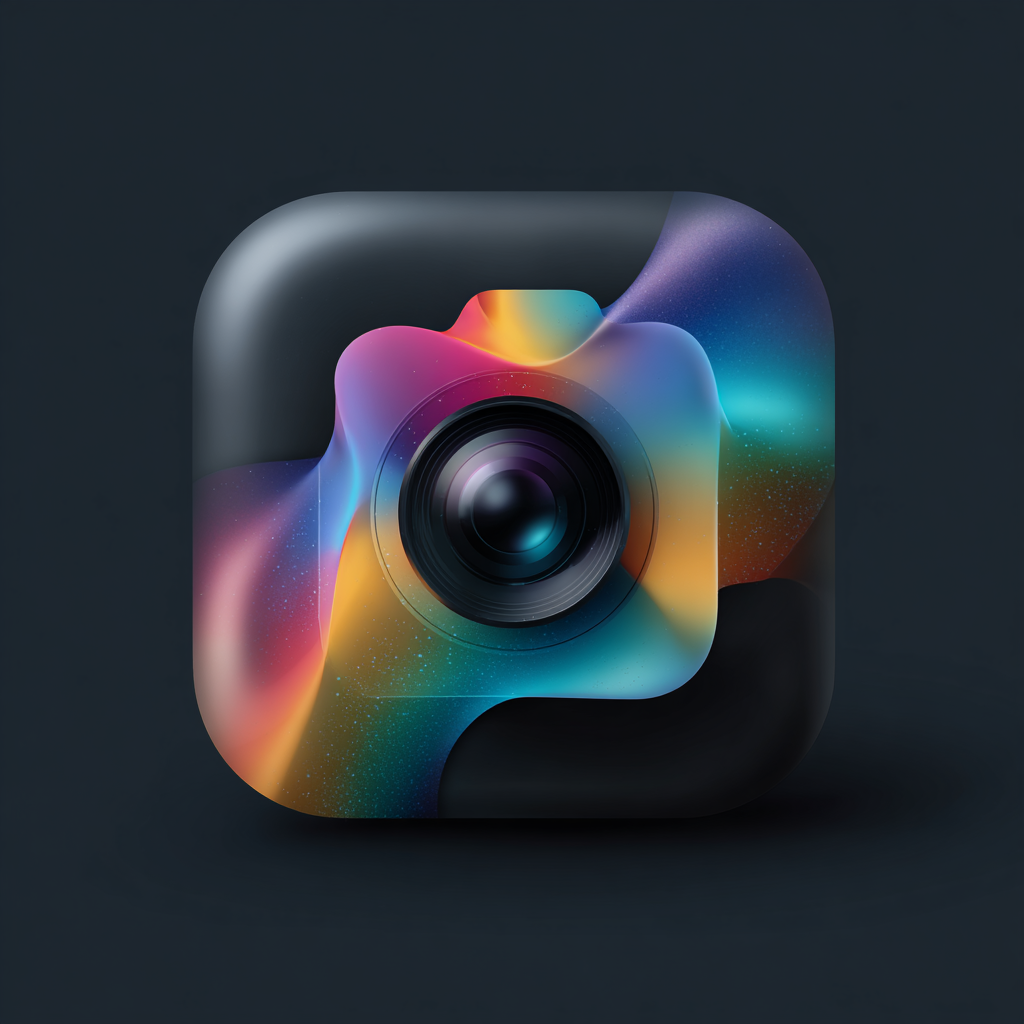
Everything You Need for iOS
Professional iOS app icons that meet Apple's guidelines and stand out in the App Store
Generate icons that meet Apple's strict App Store guidelines. Perfect 1024×1024 exports with proper corner radius.
Get every required size from 16px to 1024px. iPhone, iPad, Apple Watch, and Mac - all in one export.
Choose from 3D Clay, Glassmorphism, Flat Design, and more. Match your app's aesthetic perfectly.
Skip the design agency. Generate professional iOS icons in under a minute with AI.
All iOS Icon Sizes Included
Apple requires specific icon sizes for different devices and contexts. Icon Maker generates every size you need in one click.
- 1024×1024px App Store icon included
- All @2x and @3x retina sizes generated
- No rounded corners in export (iOS adds them)
- Transparent background support
- Consistent style across all sizes
- PNG and WebP format options
Create iOS Icons in 3 Steps
Describe Your Icon
Tell us what you want - "a camera with a heart", "rocket ship", or any concept. Keep it simple for best results at small sizes.
Choose Your Style
Select from 10+ styles like 3D Clay, Glassmorphism, or Flat Design. Each style is optimized to look great on iOS devices.
Export for App Store
Download all required sizes in one ZIP. Upload the 1024×1024 to App Store Connect and add the rest to your Xcode asset catalog.
iOS Icon FAQs
Apple requires a 1024×1024px icon for the App Store. Your app also needs multiple sizes for different devices: 180×180 for iPhone @3x, 167×167 for iPad Pro, and smaller sizes for Spotlight and Settings. Icon Maker generates all required sizes automatically.
No! iOS automatically applies the rounded corner mask to your icon. Always export your icon as a square without rounded corners. Icon Maker exports icons correctly formatted for iOS.
The App Store requires PNG format for your app icon. Icon Maker exports high-quality PNGs optimized for iOS, with no transparency for the main icon (as required by Apple).
Yes! Icon Maker generates all the sizes you need for every Apple platform. One generation gives you icons for iPhone, iPad, Apple Watch, Mac, and the App Store.
Use bold, simple imagery that's recognizable at small sizes. Avoid text and fine details. Our AI-powered styles like 3D Clay and Glassmorphism are designed to create eye-catching icons that stand out among millions of apps.
Ready to Launch Your iOS App?
Create professional App Store icons in under a minute. No design experience required.
Start with 5 free credits • No credit card required